

The end of the month looks the same in every dealer network. The head office marketing team collects reports, dealers ask for their own numbers, and the table gets assembled by hand. The work goes into preparing the report instead of reading it.
DealerBot ties this step to scheduled emails. The report goes out on its own, and the team focuses on interpreting it.
Which report goes out when
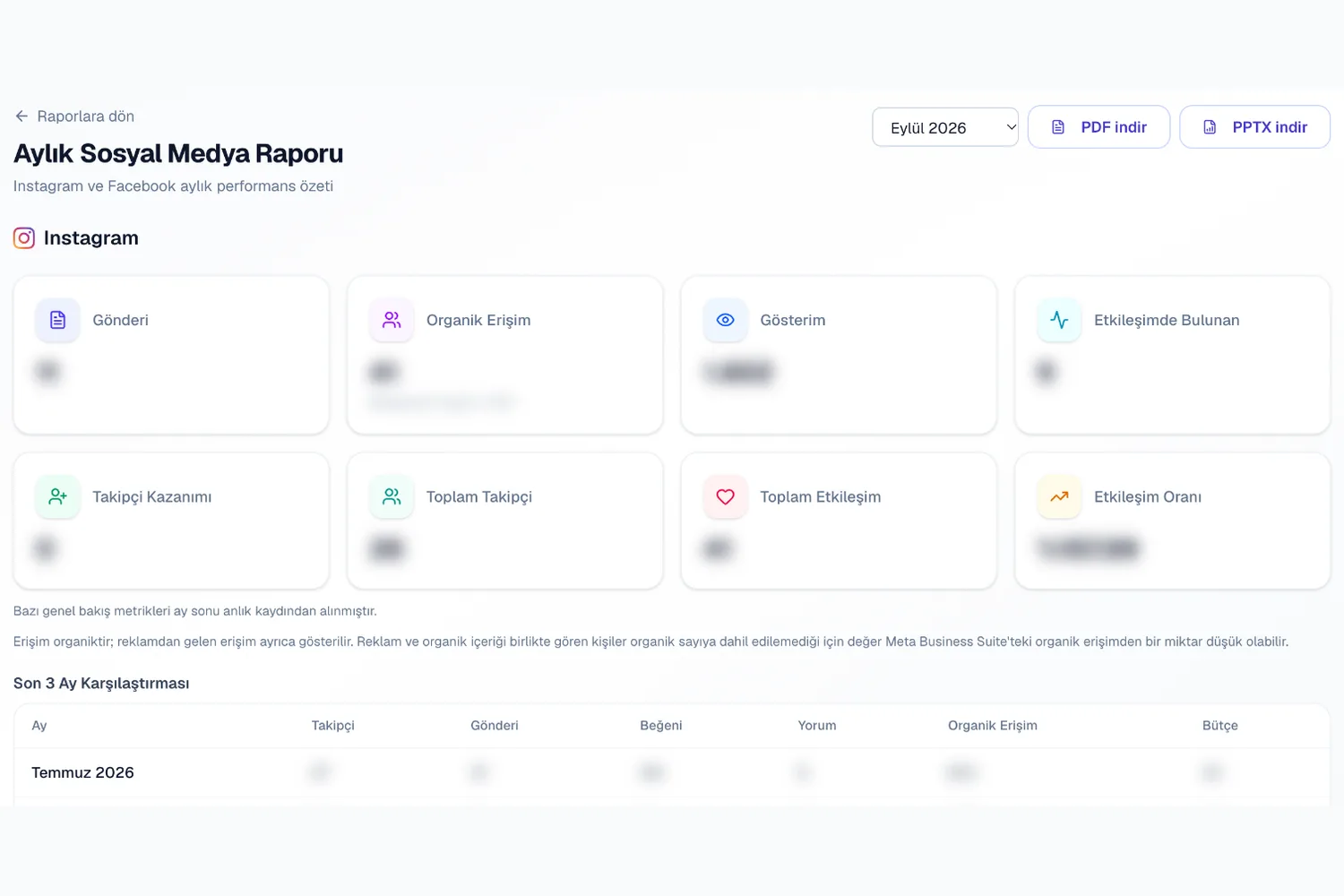
The performance report and the monthly social media report are sent every month. The ad status table can be set to weekly or monthly. You choose the send day.
The report arrives by email. The dealer does not need to log into the panel.
- Performance report: monthly
- Monthly social media report: monthly
- Ad status table: weekly or monthly
- Recipients: head office marketing manager, dealer owner, sales manager
An alert when spend reaches the threshold
When campaign spend reaches the defined threshold of the total budget, an alert is sent. The alert leaves time to decide before the budget runs out.
You can pause the campaign, raise the budget or leave it as is. The decision stays with you.
A dealer scenario
An automotive dealer launched a test drive campaign. The ad status table goes to the dealer owner and head office every Monday.
Mid-week, spend hit the threshold and the alert came in. The owner extended the budget through the end of the month, so the campaign did not stop during launch week.
Set it up once
You set up the reports and recipients once. After that the flow runs on its own.
When you want to change the settings, you update them from the same screen. As the number of dealers grows, you extend the recipient list.