
Ads, content, approval and reports: all under one roof
Every module HQ and dealers use during the day is listed below; Meta, TikTok, WhatsApp and Google data, the approval portal and reports are all live today.
Five core modules
The modules that carry a dealer network's daily work.
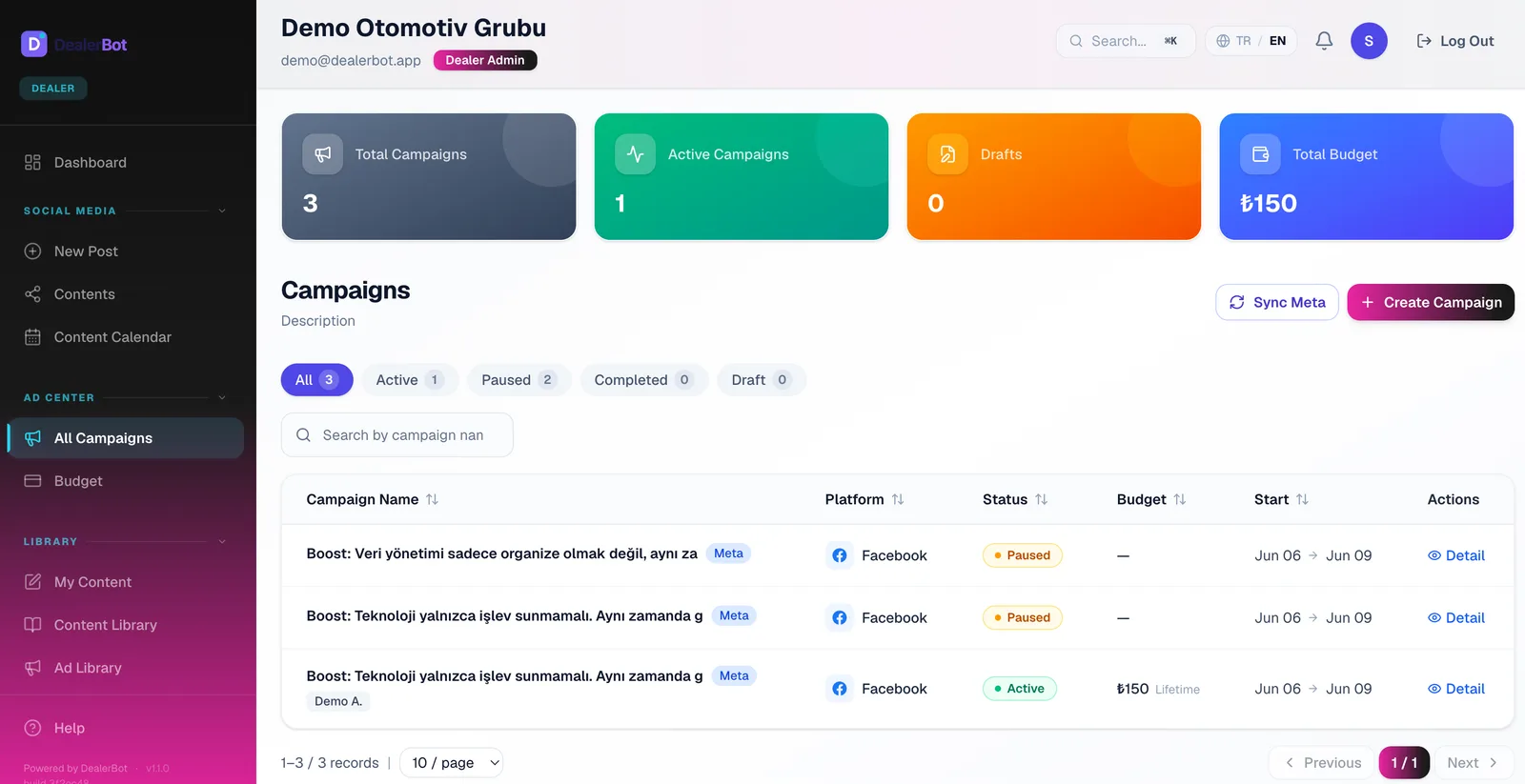
Meta campaigns
Create, manage and improve Facebook and Instagram campaigns from the campaign list.
- Create and edit campaigns
- Boost posts to reach more people
- Budget and targeting control
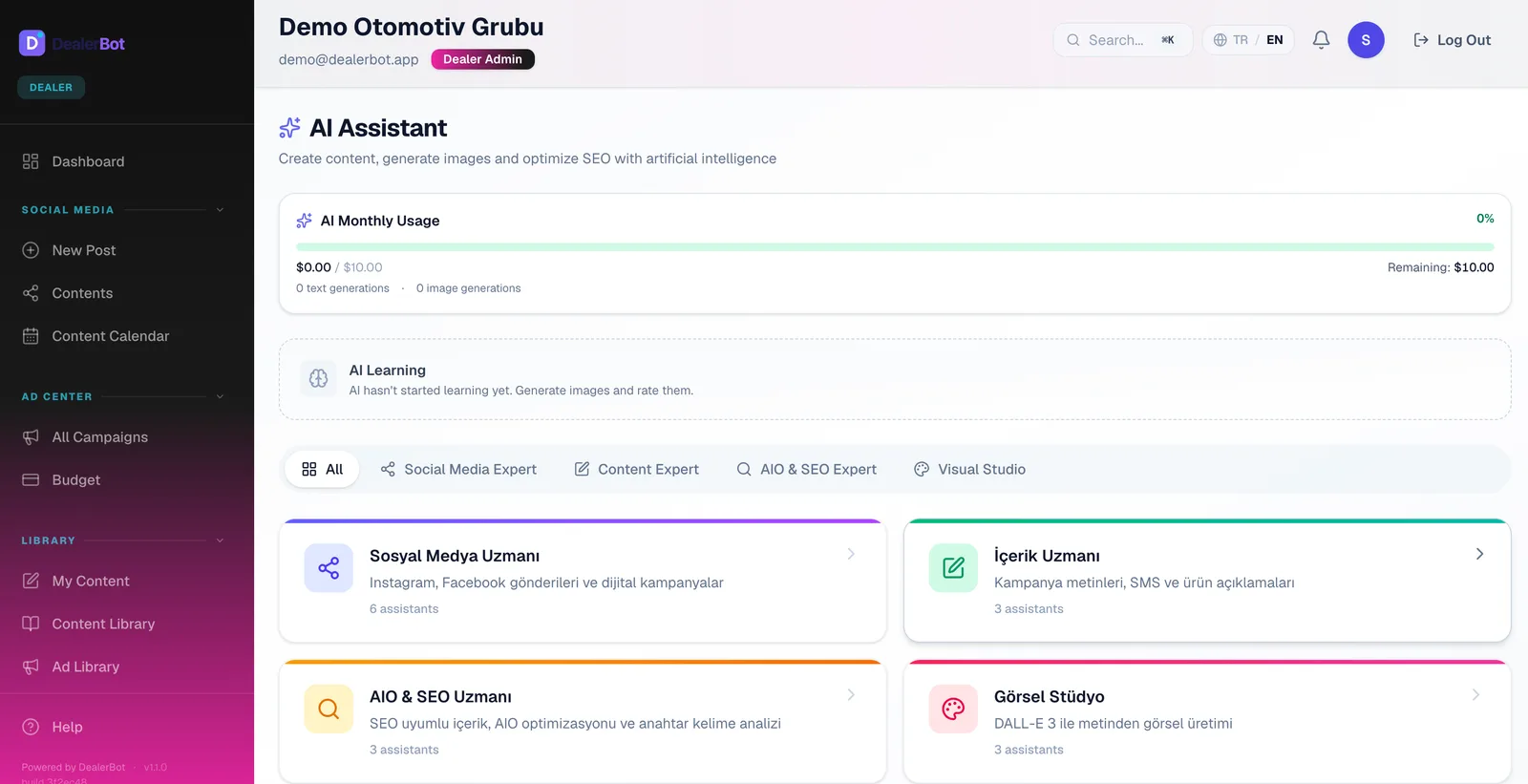
AI-powered content creation
Generate on-brand copy and visuals with AI in minutes. No need to wait for an agency.
- Copy and caption suggestions
- AI image generation
- Brand identity analysis
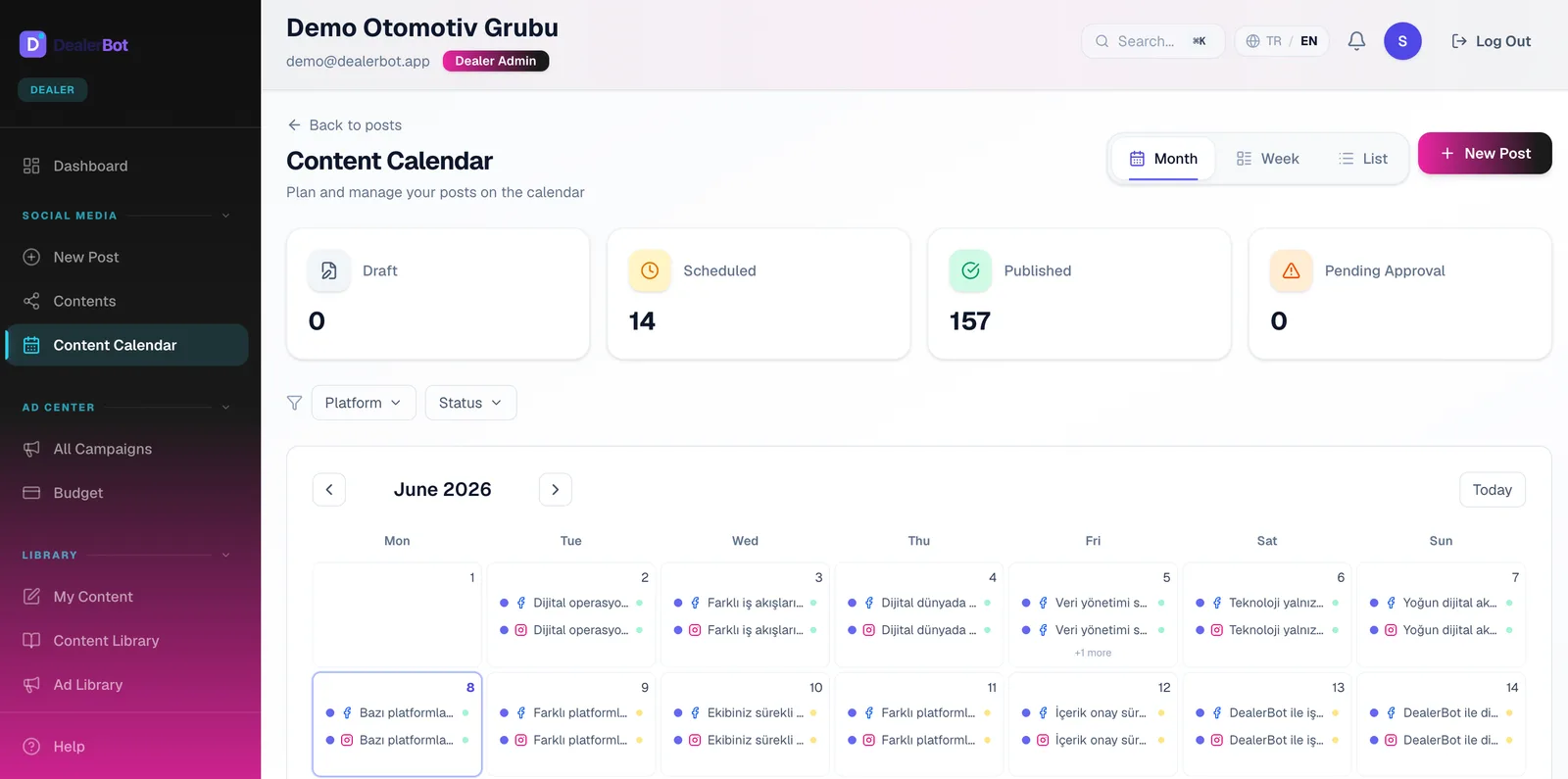
Social media planning and calendar
Plan posts ahead, see them on a calendar, and publish automatically at the right time.
- Schedule posts for later
- Content calendar view
- Automated publishing
Content approval workflow
The dealer prepares, HQ approves before publishing. Brand rules are checked before anything goes live.
- Approve or reject before publishing
- Headquarters and dealer flow
- Revision and feedback notes
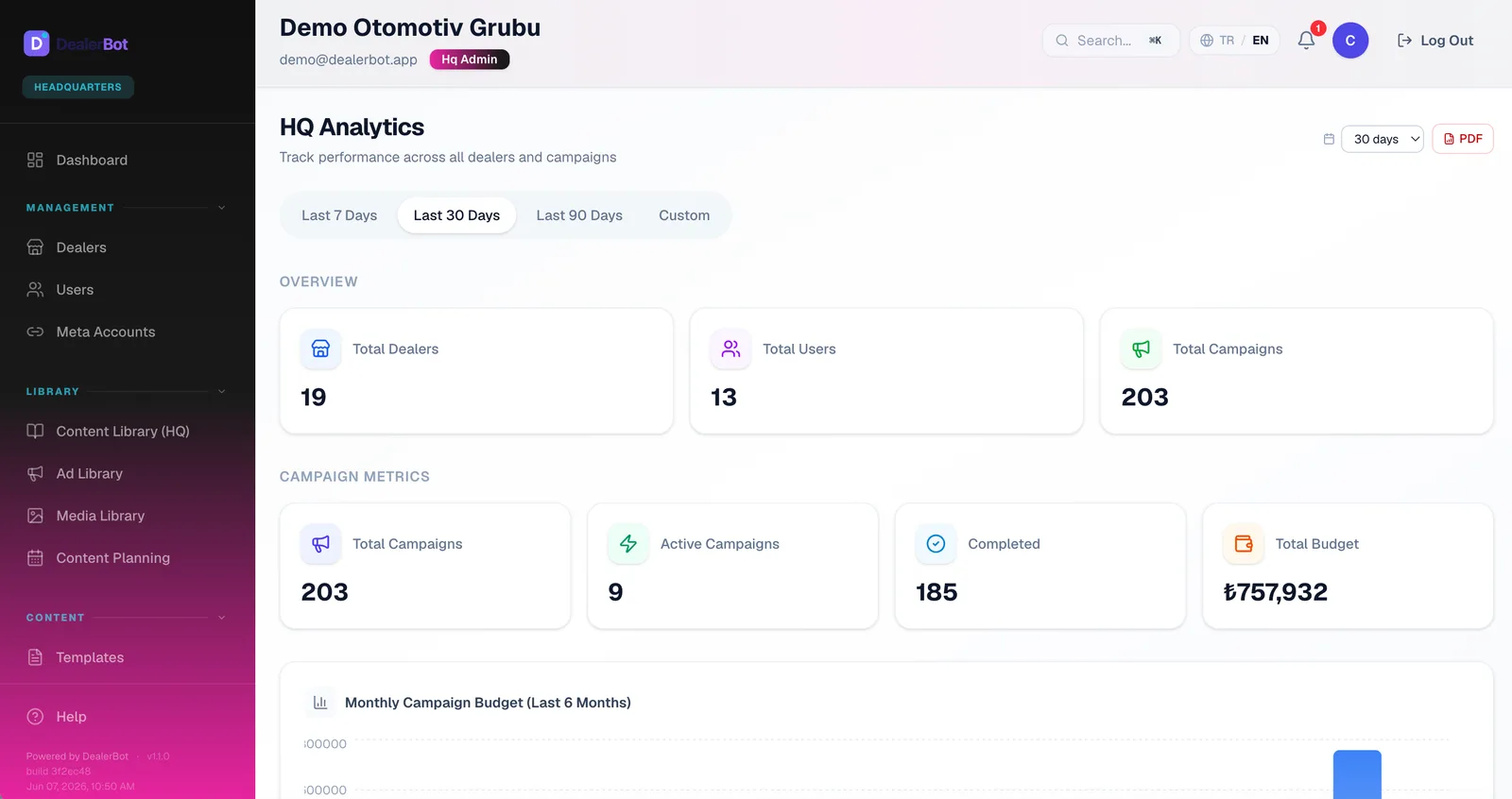
Analytics and reporting
Track campaign and social performance with data refreshed several times a day, and export to PDF or Excel.
- Performance metrics refreshed several times a day
- Dealer comparison reports
- PDF, Excel and PowerPoint export
More capabilities
The pieces that work around the core modules and complete the operation.
Central media library
Organize visuals in folders and share approved assets across the network.
Instagram integration
Publish posts, stories, and reels, and view your Instagram metrics.
Multi-location management
Manage dozens of dealers from one account with role-based permissions.
Brand management
Keep every dealer on-brand with shared logos, colors, and templates. The new-generation interface adds a theme derived from your organization's color, logo and font, plus a dark theme, and is rolling out gradually.
Role-based access
Secure, segmented access with headquarters, dealer, and team roles. The brand (client) role sees only its own brand and approves content in the approval portal; the portal is enabled during setup.
WhatsApp marketing
Reply to customer messages from the panel; run segment-based bulk sends with approved templates.
iOS and Android app
Track content approvals, campaigns, and reports from your phone.
TikTok management
Publish your videos to TikTok and track their performance from the panel.
Competitor analysis
Monitor competitor Instagram accounts and benchmark your performance.
Comment inbox
Reply to, hide, and manage Instagram and Facebook comments from a single inbox.
AI Insights
Reads each dealer's performance every week and writes the standout findings on cards. The numbers come from the panel's own measurements, no guessing.
Automatic reports and budget alerts
Performance and monthly social reports (with the GA4 web traffic section when Google is connected) go out every month, and the ad-status sheet weekly or monthly, emailed to your recipients on the day you choose. Data syncs every day and monthly reports are built at the start of the month. You get an alert when campaign spend reaches 80% of the total budget.
Sub-dealer hierarchy
Manage the branches under a main dealer as separate dealer accounts; the branch list and details stay with the parent dealer.
Google integration
GA4 web traffic, YouTube channel stats and Google Ads results appear in the panel, read-only. Gold tier and above; Google Business Profile coming soon.
See the whole platform live
In a personalized demo, we'll show how DealerBot works for your dealer network.