In a dealer network, social media results live in one place, website traffic in another, and the YouTube channel and ad account in a third. When headquarters prepares for a month-end meeting, someone has to collect these pieces one by one and ask which number belongs to which period. Most of the meeting goes into lining the numbers up.
DealerBot's Google integration is designed to reduce this scatter. GA4 web traffic, YouTube channel statistics and Google Ads campaign results appear in the dealer panel, next to your social media data. The integration is read-only: DealerBot does not publish content, change campaigns or edit settings in your Google account. This article explains what becomes visible, how it reaches your reports, and what to know before setting it up.
One connection with a single Google account
The dealer administrator connects with a single Google account. GA4, YouTube and Google Ads resources are chosen from the same connection, so there is no separate setup round for each surface. The connection grants read access only, which means nothing in your account is changed through DealerBot.
Once connected, you choose the resources. If you skip one, that surface stays empty and the panel tells you what is missing. Because the connection is set up per dealer, one dealer's choices do not affect the data of the others.
- GA4 property: the property that web traffic is read from
- YouTube channel: the channel whose statistics and recent videos are shown
- Google Ads customer account: the account that campaigns and results are read from
GA4 web traffic next to the social media report
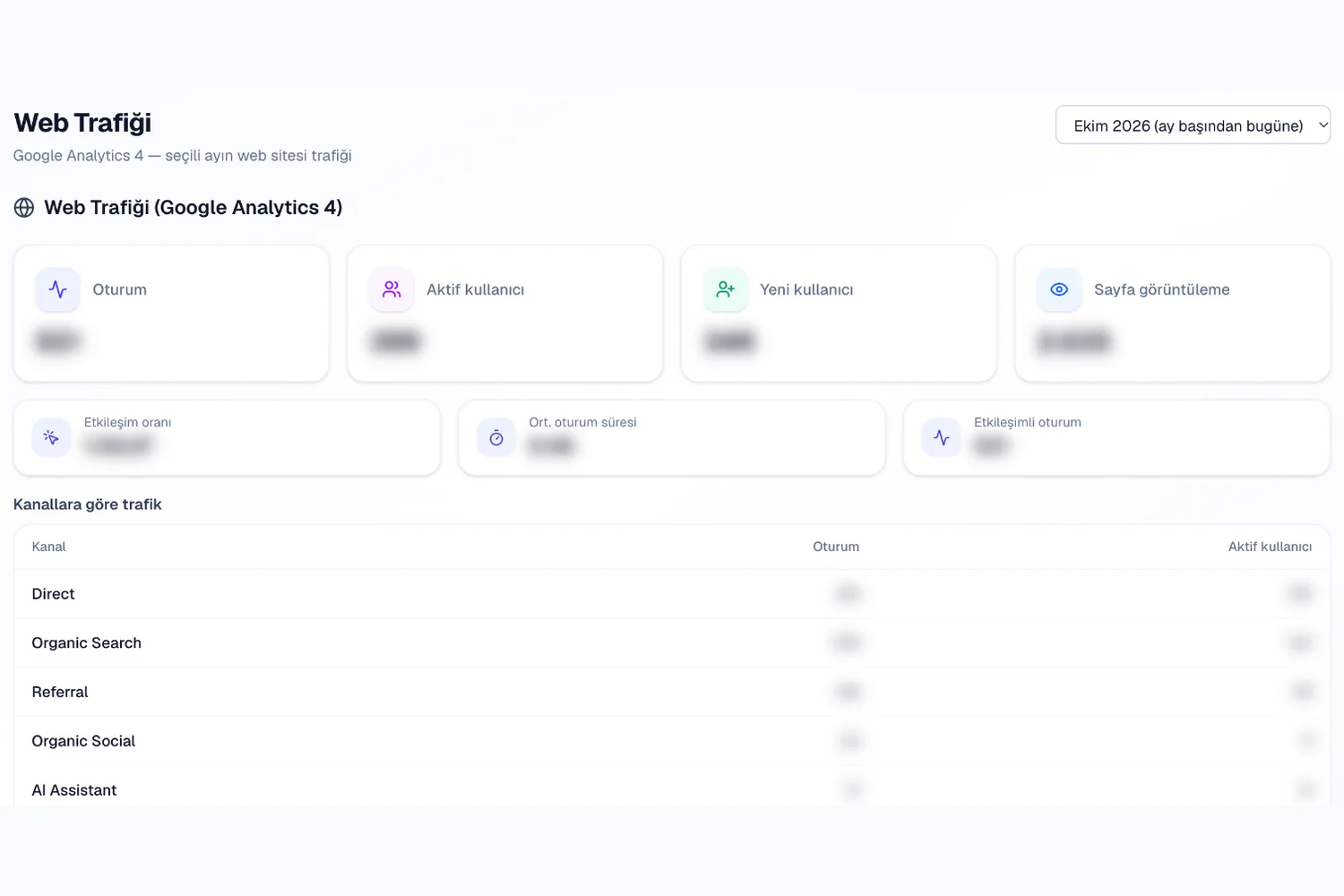
Website sessions, the distribution of traffic channels and engagement appear on a dedicated page in the dealer panel. The same section is added to the monthly social media report and to the performance presentation. So when you walk through Instagram and Facebook results, you can show what the website did in the same month in the same document. That way you do not have to assemble a separate table for the month-end presentation.
When you pick a month for a report, only completed months are listed. GA4 data is not instant: daily figures can lag by up to half a day, and the last day or two may change afterwards. That is why the report states the property ID and the time zone in a footnote.
When data does not arrive, you do not see a silent gap. Whether the connection needs renewing, whether access to the property exists, whether a property has been chosen, or whether there is simply no data for that period are all shown as separate states. An empty table and a broken connection are never mixed up.
In practice this means you can watch how site sessions moved after a series of posts on the same screen. It is not proof of cause and effect, but it shows which questions to ask. We covered the method for reading both together in our article "Reading social media and website traffic together".
- Sessions, channel distribution and engagement in the dealer panel
- A web traffic section in the monthly social media report
- A web traffic slide at the end of the performance presentation when the connection is healthy
- A status message that explains the reason when data cannot be retrieved
YouTube channel and Google Ads results in the panel
On the YouTube side, channel statistics and recent videos are shown. The data is read from YouTube at that moment and only displayed; DealerBot does not accumulate it, does not add it up across channels and does not derive its own ratios or averages from YouTube numbers. If a channel hides its subscriber count, the panel shows a dash instead of an invented zero.
On the Google Ads side, campaigns and the spend, click and conversion counts of the most recent month-long period are shown. Data arrives through a daily sync. Customer accounts under the manager (MCC) accounts that agencies use can also be selected; you simply pick the right customer account under the manager account.
Google Ads results are not added to Meta ad totals. Because the two platforms measure differently, their numbers are shown separately and never blended.
This separation matters for the person reading the report as well. A campaign's spend or a video's views are read with the definition of their own platform. Seeing each source under its own heading, rather than quietly merged, keeps the "where does this number come from" question short in the meeting.
- YouTube: channel card and recent videos, read-only
- Google Ads: campaign list, spend, click and conversion counts
- Selecting a customer account under a manager account
- Shown separately from Meta ad totals
What to know before you start
On the dealer side, the manager follows the state of their own site and channel from the panel. The agency team reaches the same data while preparing the monthly report, without opening a second tool. Each dealer's connection stays in their own panel and is read over the same period as the social media numbers. Because the integration is read-only, the risk is low for everyone who views these pages; there is no action in the panel that could write to the Google account.
The Google integration is part of the Gold package and above. The dealer administrator makes the account connection. If the connection loses validity on the Google side, the panel asks you to renew it.
The scope is narrow by design. Writing actions such as creating or editing campaigns are not part of this integration. Google Business Profile support is coming soon.
To see how it would look in your own network, request a demo and we will plan the right setup for your account together. You can also find a detailed feature description at /en/features/google-integration.
- Gold package and above
- Read-only: no publishing, campaign or setting changes
- Google Business Profile coming soon